

The Challenge
When suppliers submit invoices through the Supplier Portal, payables teams face a frustrating obstacle: there’s no immediate visibility that new invoices are waiting for processing. The only way to discover these invoices is through manual searching by source—a time-consuming workaround that defeats one of the portal’s main selling points.
This visibility gap creates a real barrier to supplier portal adoption. Organizations often promote faster payment cycles as a key benefit to encourage suppliers to make the switch, but when invoices sit unnoticed in the system, that promise falls flat.
A Practical Solution
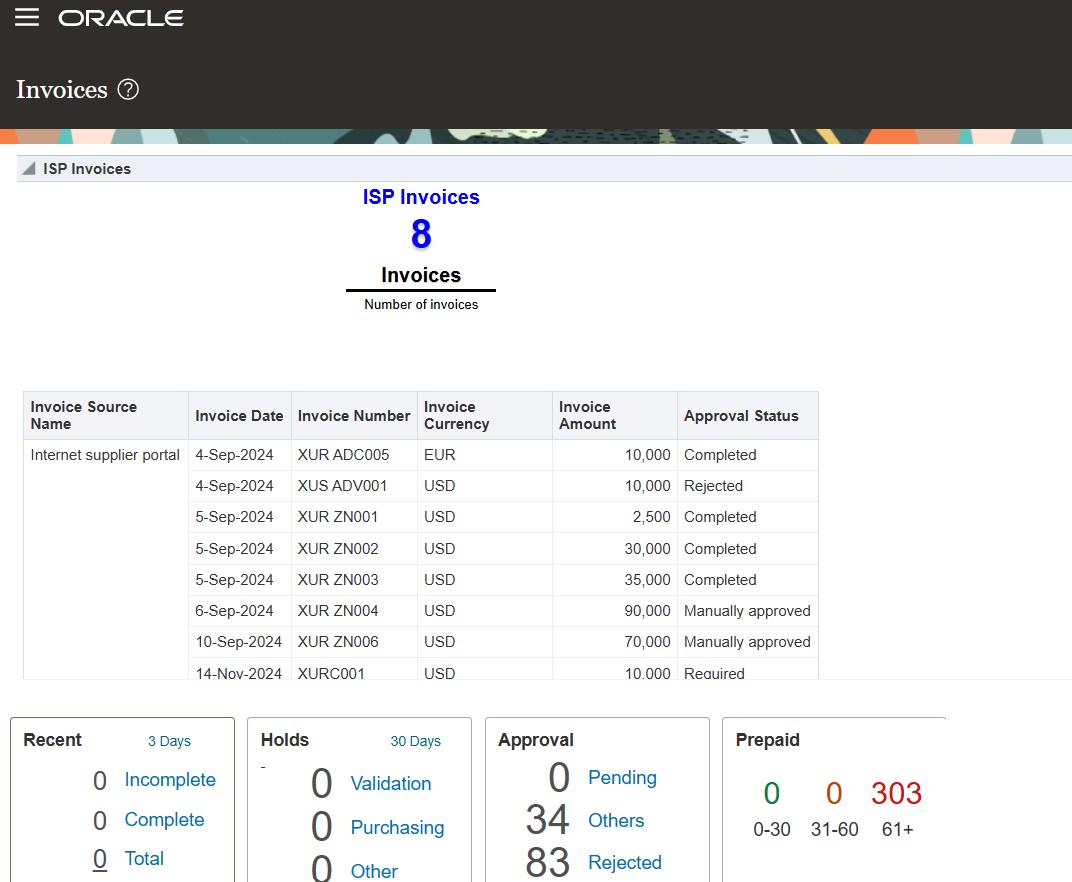
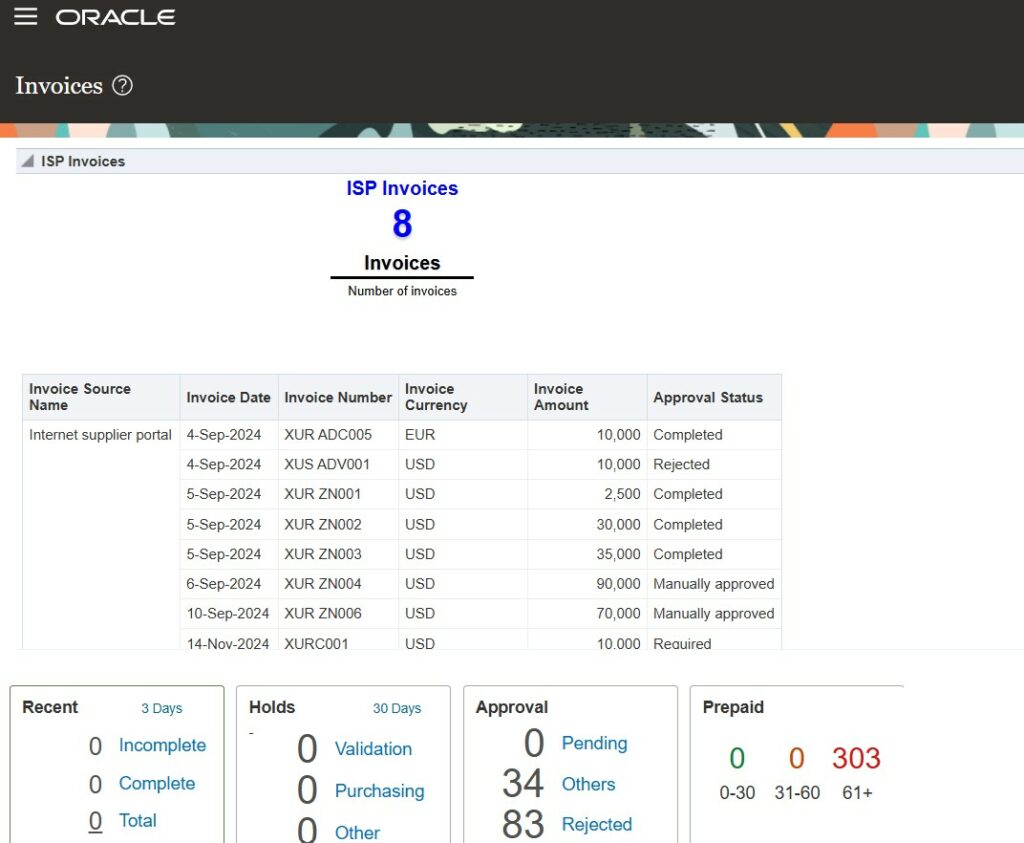
The answer is surprisingly straightforward: add a dedicated portlet to the Invoices Landing Page that displays the count of invoices ready for processing from the Supplier Portal. This simple enhancement provides immediate visibility and eliminates the need for manual searching.
Implementation Overview
The solution involves creating an OTBI (Oracle Transactional Business Intelligence) report and integrating it into the landing page through personalization. Here’s the high-level process:
Step 1: Build the OTBI Report
Start by creating an analysis in Reports & Analytics that pulls invoice data from the Payables Invoices subject area. The key is filtering specifically for invoices from the Internet Supplier Portal source. For enhanced functionality, you can add a deeplink on the invoice number that allows direct navigation to individual invoices.
Step 2: Create the Infotile View
Configure an infotile (Performance Tile) view using the Invoice ID as the performance tile measure to ensure accurate counting. This creates a clean, dashboard-style display that shows the total number of pending invoices at a glance.
Step 3: Personalize the Landing Page
Using Oracle’s sandbox functionality, you can safely customize the Invoices Landing Page. Through the Page Composer tool, add your newly created OTBI report to an appropriate region on the page. You can choose between a simple table view or a compound view that combines the count with detailed invoice information.
Step 4: Publish and Deploy
Once you’ve tested the customization in the sandbox, publish the changes to make them available to your payables team.
Best Practices and Considerations
While the compound view provides full functionality, it can take up significant screen space. Consider creating a master-detail report instead, showing just the summary count with the ability to drill down into details when needed.
Before implementing this solution, ensure you have the necessary roles for managing sandboxes and BI authoring. It’s also wise to develop and test reports in your local folder before deploying them to shared folders according to your team’s established protocols.
The Bottom Line
This enhancement transforms how payables teams interact with supplier portal invoices. Instead of hunting for work, the work comes to them through clear, immediate visibility on their landing page. It’s a small change that can significantly improve processing efficiency and help deliver on the promise of faster payment cycles—making supplier portal adoption a win for everyone involved.
Author: Shameem Bauccha